Rota risk
New: 7-day guided trial
Your care system records what happened. CareOps tells you what needs action today.
Start a guided 7-day trial and explore how CareOps turns scattered operational risks into one weekly action view for UK domiciliary care owners and registered managers — without replacing your current care software.
Includes demo access, a guided setup call, and no sensitive data upload required.
Problem
Risk is not missing. It is buried.
Owners and registered managers already have information. What they need is a short, current list of what needs action, who owns it and where the risk came from.
Compliance risk
DBS, training, right-to-work, evidence and documents
Expiring checks and missing files need a single owner before they become a scramble.Revenue risk
Missed private-pay enquiries, referral follow-ups, recruitment delays
Lost follow-up costs owners money, staff capacity and confidence in the front office.Care risk
Medication exceptions, diary concerns, complaints and follow-ups
Sensitive operational issues need visible next steps without becoming another report.Product value
One command view for the manager’s week.
CareOps makes the week legible by grouping risk into visibility, readiness and action. The point is not another place to record activity. The point is a sharper view of what needs doing next.
Visibility
See operational risk across modules in one command view, not across tabs and exports.
Readiness
Know whether the service is ready for the week before rotas, documents or follow-ups slip.
Action
Turn risk into owned next steps with due dates, source modules and manager accountability.
Pricing
Start with setup, monthly oversight, or the combined recovery package.
Choose the CareOps option that fits how hands-on you want the weekly operating rhythm to be.
How CareOps works
Step 1Start
Buy the £750 diagnostic to set up your first command view.
Step 2Continue
Choose £299/month if you want ongoing command-centre oversight.
Step 3Upgrade
Choose £995/month if you also want lost-enquiry recovery monitoring.
First, start with the £750 setup. Then pick one monthly option: £299/month for Command Centre, or £995/month for Command + Recovery.
Step 1 · Start here
CareOps Readiness Diagnostic
£750 one-off
Setup stage
Start here. We build your first command view from your existing exports and notes.
- one focused branch or service view
- risk/action map
- evidence and readiness gaps
- weekly manager action list
- guided review of findings
- practical next-step plan
Step 2 · Monthly option
CareOps Command Centre
£299/month
Best starting monthly option
After your setup, choose this if you want the command centre maintained each month.
- weekly command rhythm
- action status visibility
- operational trend review
- staff, rota and enquiry oversight
- compliance evidence visibility
- weekly action planning layer
Step 3 · Premium monthly optionMost complete
CareOps Command + Recovery Monitoring
£995/month
Premium monthly option
After your setup, choose this if you want command-centre oversight plus lost-enquiry recovery monitoring.
- command centre oversight
- lost enquiry monitoring
- weekly recovery actions
- referral/private-pay follow-up visibility
- manager follow-up structure
- combined command + recovery rhythm
CareOps supports operational visibility and action planning. It does not guarantee compliance, inspection outcomes or regulatory results.
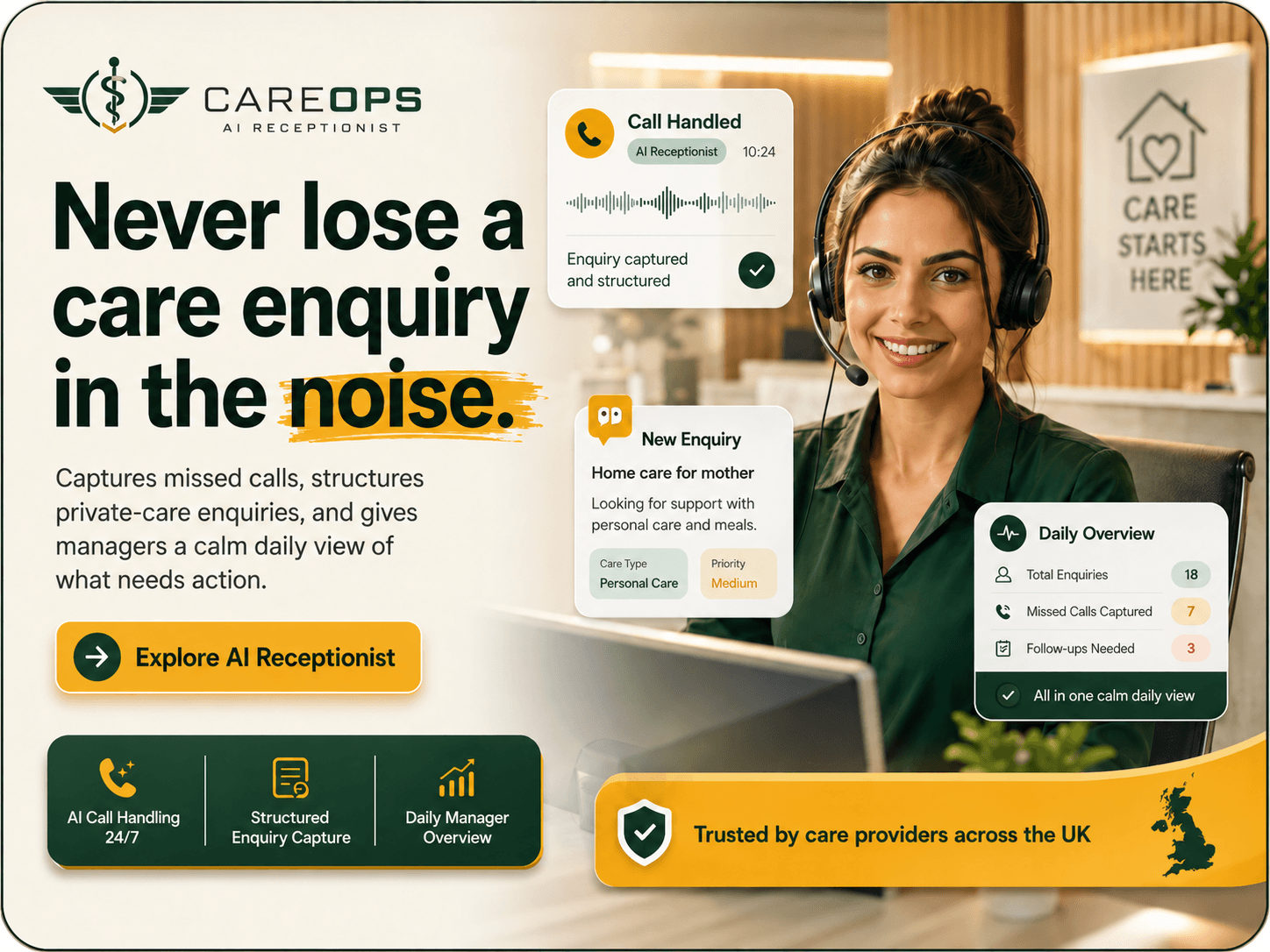
CareAI Receptionist add-onMissed-call recovery
Never lose a care enquiry in the noise.
When your team is covering rotas, visits, and urgent calls, CareAI captures missed enquiries, structures the details, and gives managers a calm follow-up view before opportunities disappear.
AI call handlingPrivate-care enquiry captureDaily follow-up viewWorks alongside CareOps
Explore AI ReceptionistWant to see both? Start the 7-day CareOps trial and ask for the CareAI Receptionist preview.
Separate AI receptionist service. CareOps Command Centre remains the weekly operating view.
Positioning
Not another care management system.
CareOps does not replace care planning, rostering, eMAR, visit logging, notes or the existing system of record. CareOps sits above them as the owner/manager action layer.
Existing care systemsCareOps
Record visits
Prioritises risks
Store care notes
Surfaces actions
Manage rotas
Highlights gaps
Hold evidence
Shows what is missing
Produce reports
Creates manager action plans
Track activity
Shows what needs chasing today
Modules and outcomes
The weekly operating picture, module by module.
Each module contributes a signal. CareOps turns those signals into manager-owned priorities rather than another long operational export.
Dashboard
See provider risk, act-now items and weekly pressure in one view.
Staff readiness
Spot DBS, training, right-to-work and document risks.
Recruitment
Track candidates, missing checks, owners and follow-up dates.
Rota gaps
See uncovered or risky visits before they become missed care.
Enquiries
Recover missed calls, private-pay leads and referral follow-ups.
Compliance evidence
Track review dates, evidence gaps, owners and locations.
Visit assurance
Monitor lateness, short visits and visit-quality signals.
Medication safety
Surface medication exceptions requiring manager follow-up.
Diary risk
Track complaints, incidents, safeguarding follow-ups and overdue actions.
Weekly actions
Turn risk into a manager-owned action plan.
Reports
Summarise risk, readiness and action clearly.
Settings
Control provider context and module visibility.
Trust and security
Designed for controlled operational oversight.
CareOps is built around careful access, clear ownership and evidence discipline. It supports managers by making operational follow-up easier to see and assign.
Built for UK domiciliary care
Designed around UK care governance and evidence discipline
Authenticated access
Tenant-isolated operational data
Provider-level access controls
Module-level visibility controls
Read-only operational layer in this release
Sensitive-data minimisation
Clear action ownership and due dates
Evidence is easier to assemble
No service-role key required by the app
Not a clinical decision system
Not a replacement for the system of record
7-day guided trial
Start 7-day free trialTry CareOps for 7 days. See the week before it gets away from you.
Explore the command centre, weekly actions, risk signals, and manager follow-up view before deciding if it fits your service.
Guided setup included. No sensitive data needed for the trial.